Fast pairing
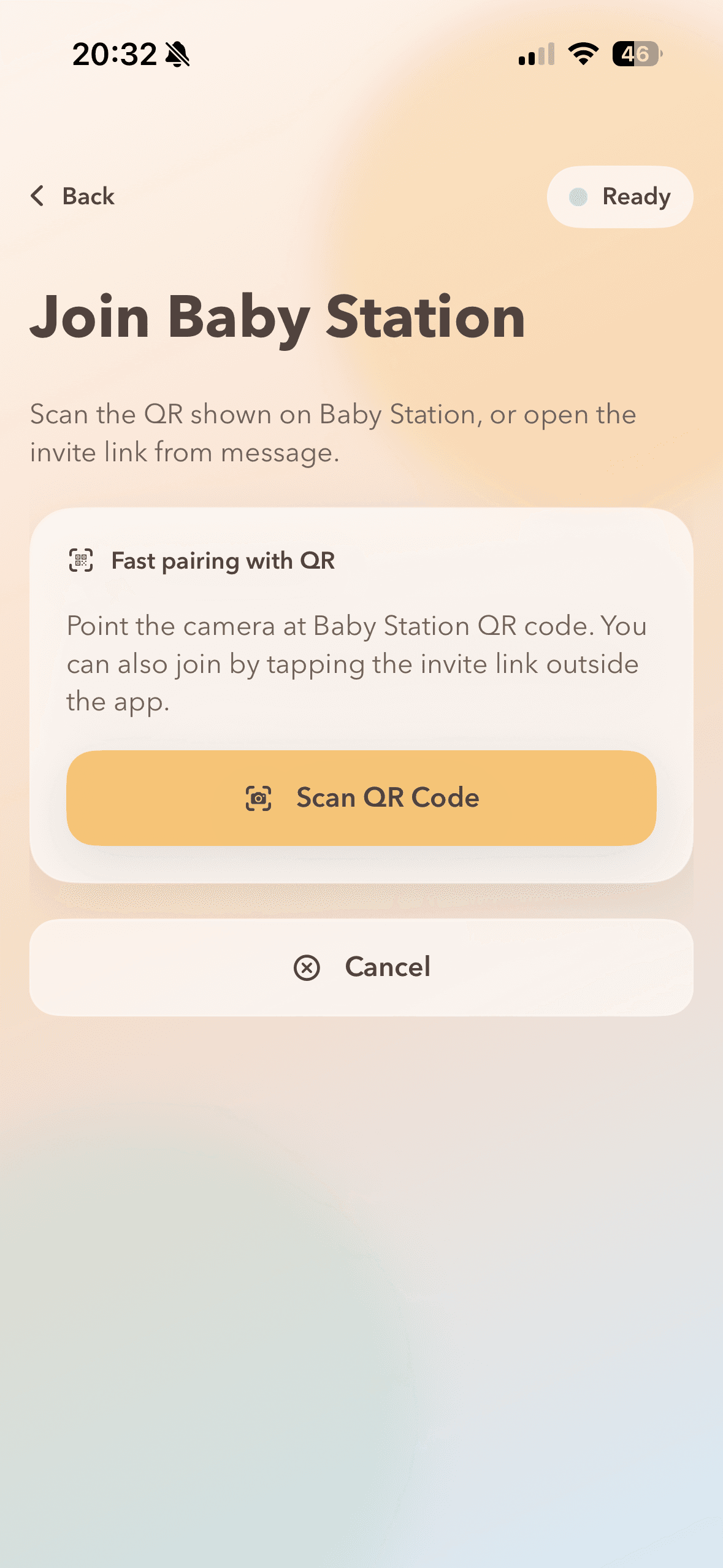
Start Baby Station, scan QR on Parent Watch, and join immediately.
Sleep monitoring for modern parents
Owly connects Baby Station and Parent Watch in seconds with private video, clear audio, smart noise alerts, and remote lullaby control.
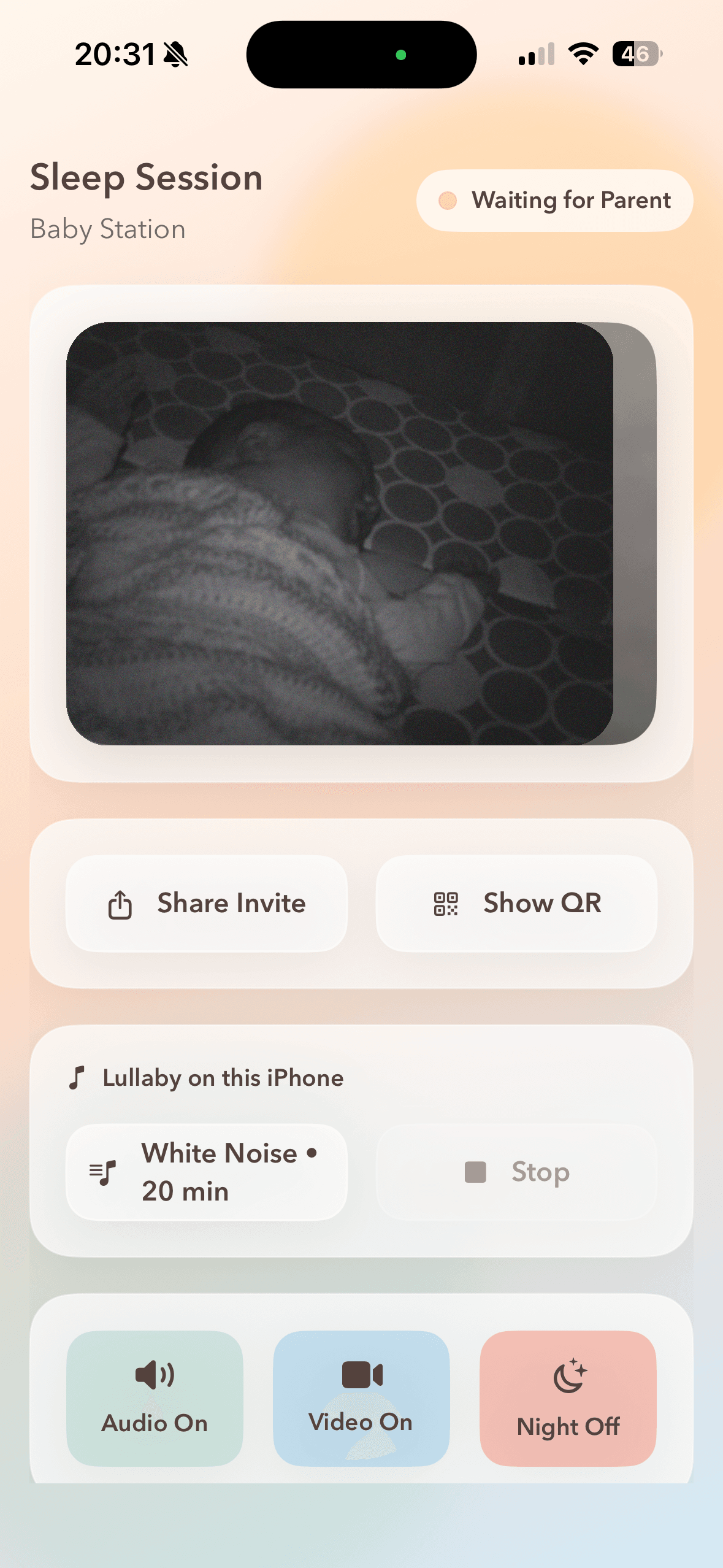
Start Baby Station, scan QR on Parent Watch, and join immediately.
Optimized camera and audio with reconnect logic for everyday home networks.
Get baby noise alerts with vibration and clear visual indicators.
Trigger soothing sound profiles on Baby Station directly from Parent Watch.
Real screens from Owly. No mockups, no hidden flows.
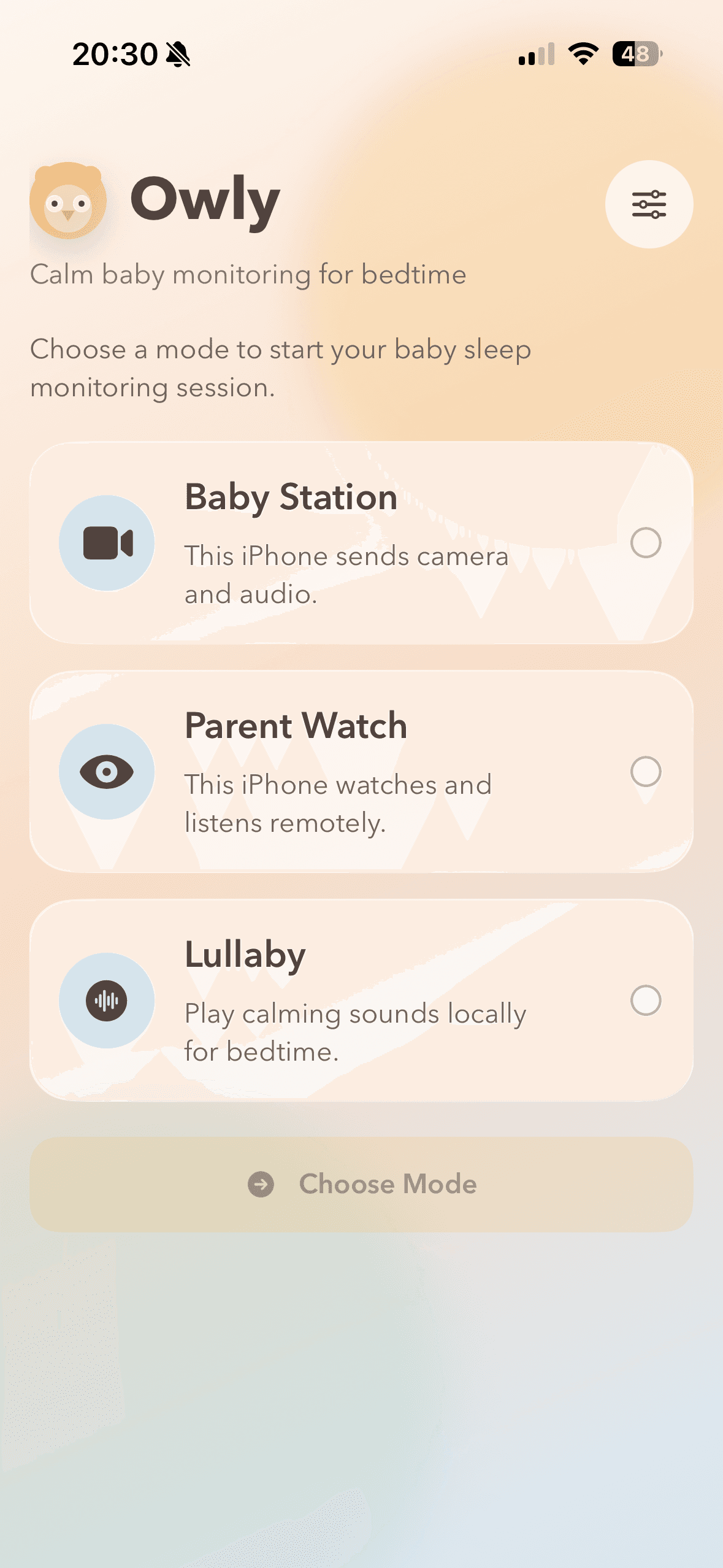
Start as Baby Station or Parent Watch in a single step.
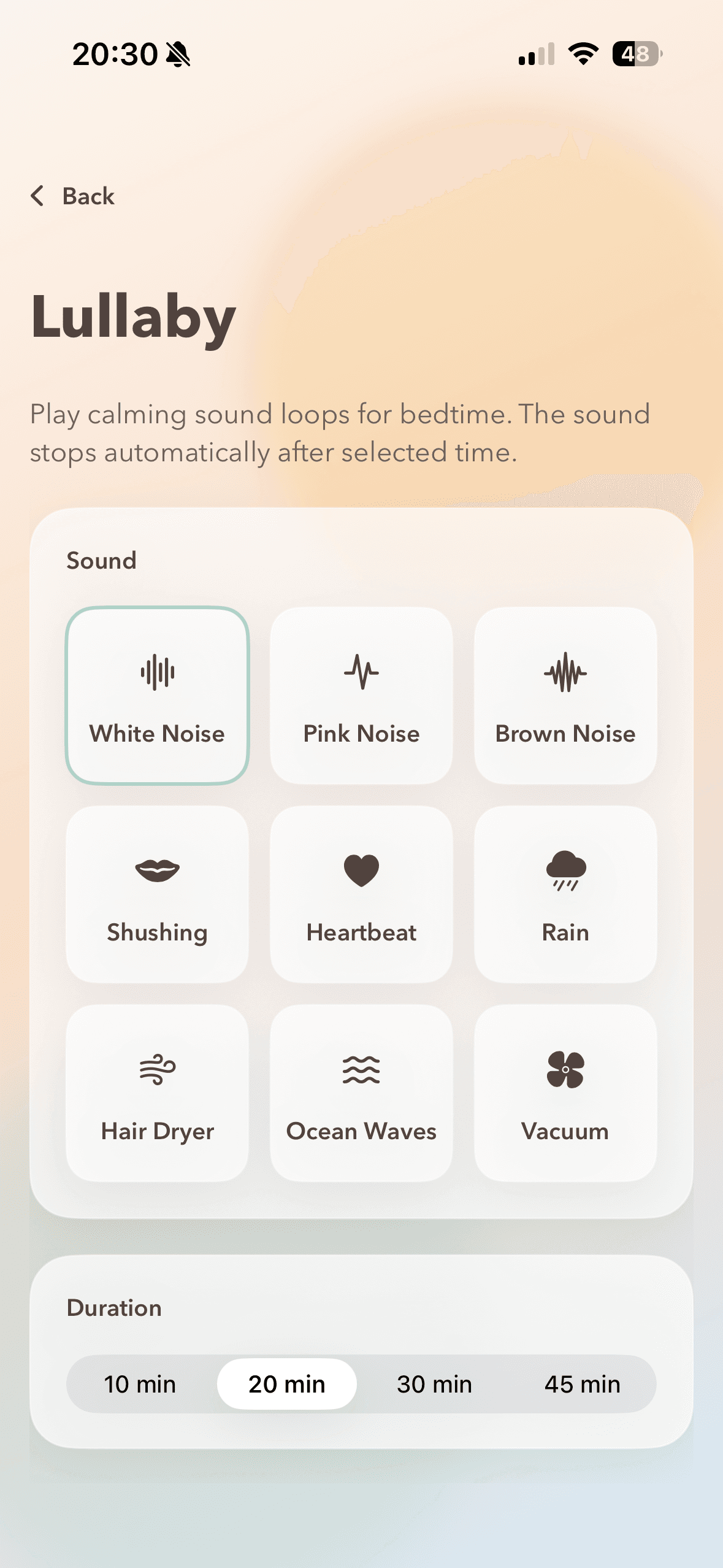
Keep a stable live session with clear controls at hand.
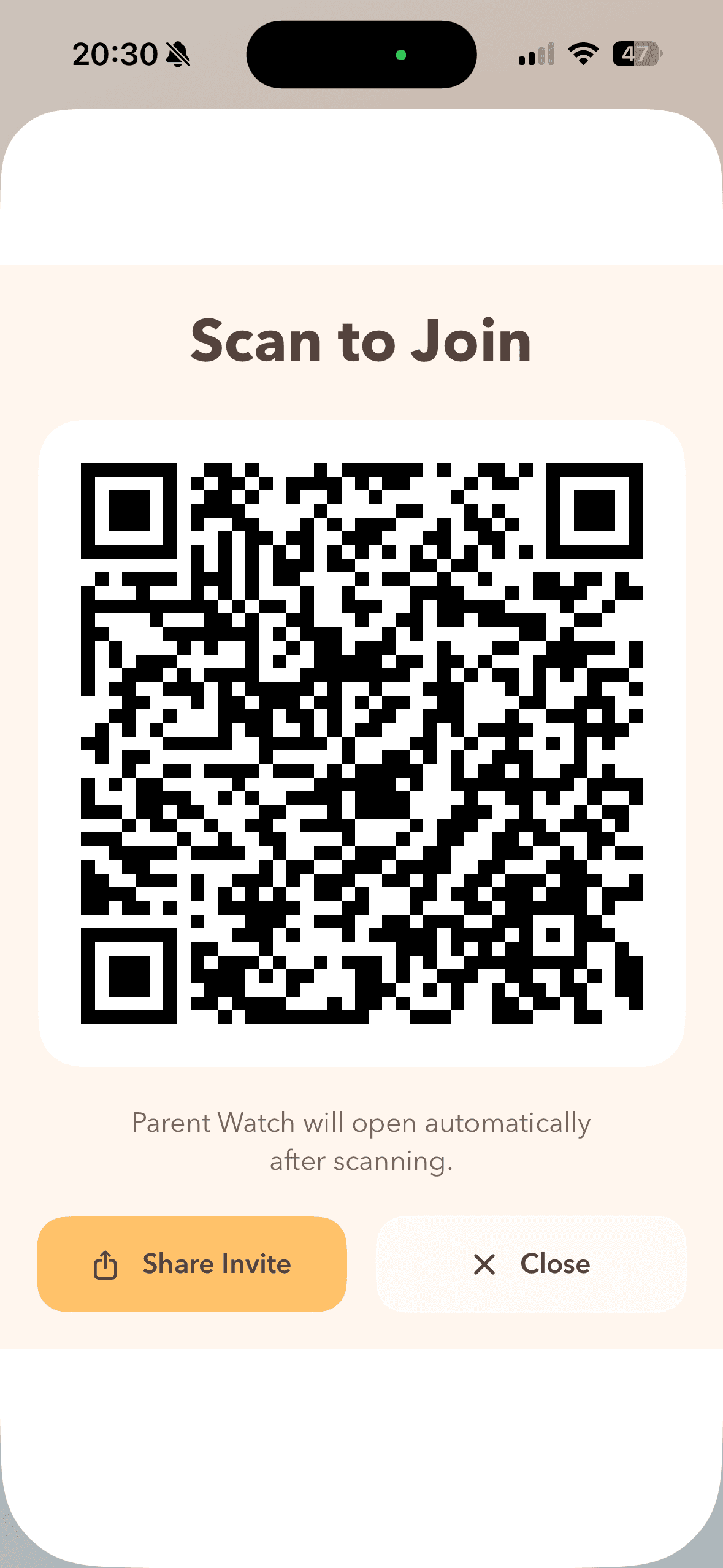
Launch into monitoring quickly during bedtime routine.
Clear framing and status information during sleep checks.
Trigger calming sounds remotely from Parent Watch.
Practical baby monitor setups for real routines: old phones, travel, newborn nights, white noise, and toddler rooms.
Use your old iPhone or Android as Baby Station with secure live audio and video.
Set up Owly in hotels and travel rentals with quick pairing and reliable reconnect flow.
Build a calm newborn night routine with clear alerts and remote lullaby controls.
Use white noise (szumis-style) and lullaby controls to calm baby sleep transitions.
Monitor toddler sleep transitions with flexible camera placement and clear live alerts.
Owly is a baby monitor app built for parents who want a fast, calm setup at bedtime. Instead of complex pairing screens, Baby Station starts the camera instantly and Parent Watch joins with QR in seconds.
The product is designed for both iOS and Android, with private room access, stable live audio/video, and clear noise alerts. This makes Owly suitable for daily sleep routines, naps, and overnight monitoring.
Remote lullaby control helps reduce context switching: you can trigger soothing sounds from Parent Watch without walking back to the crib each time your baby stirs.
Core questions parents ask before using Owly at home.
Yes. Owly is being built as a cross-platform baby monitor app for iOS and Android.
Baby Station generates an invite. Parent Watch scans QR code or opens the invite link to join.
Yes. Parent Watch can start and stop lullaby sound profiles on Baby Station.
Session access is controlled by room invite and access token, and signaling is secured in transit.
No. Owly supports supervision and routines, but caregiver presence remains essential.