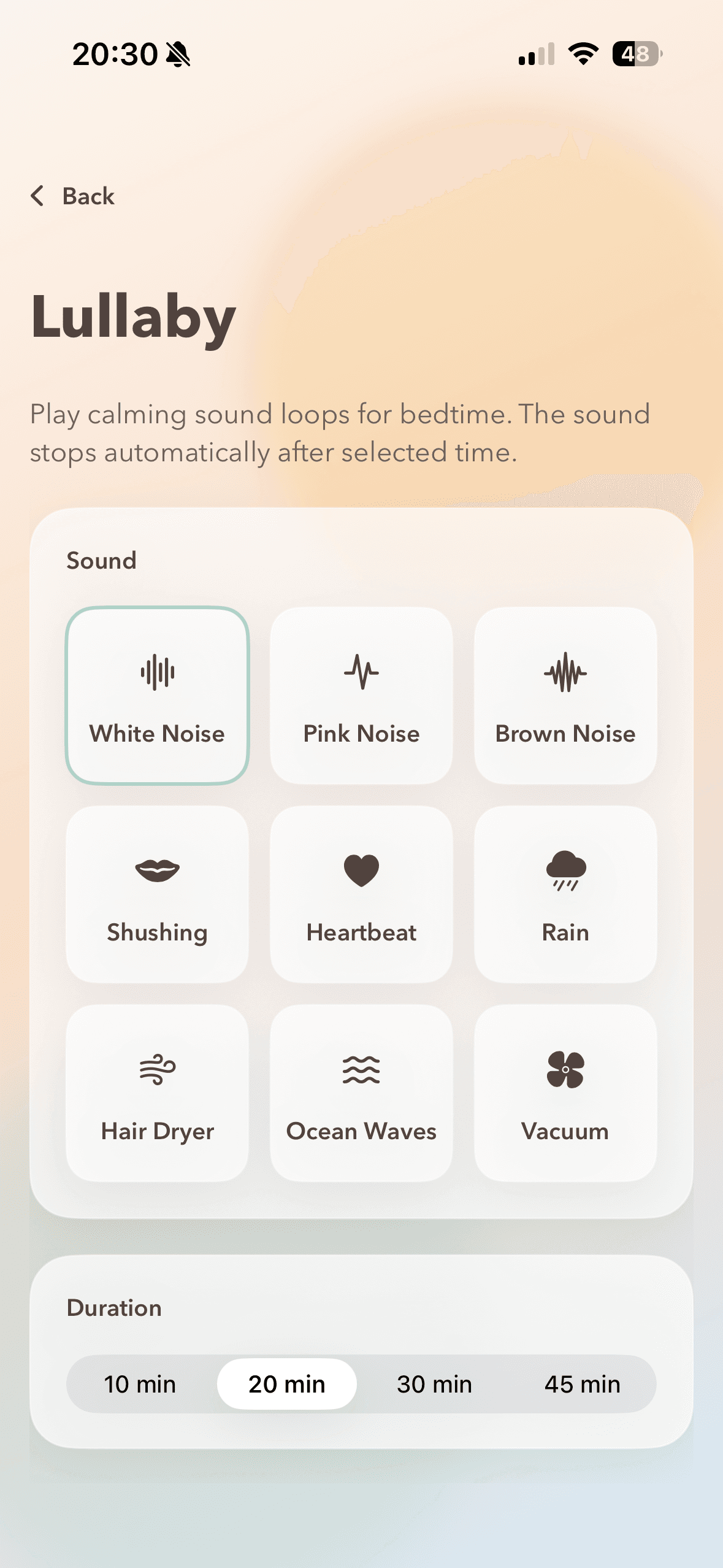
Baby Station
- Place one phone by the crib and start Baby Station.
- Owly opens camera view and creates a secure session automatically.
- Share invite via QR or link.
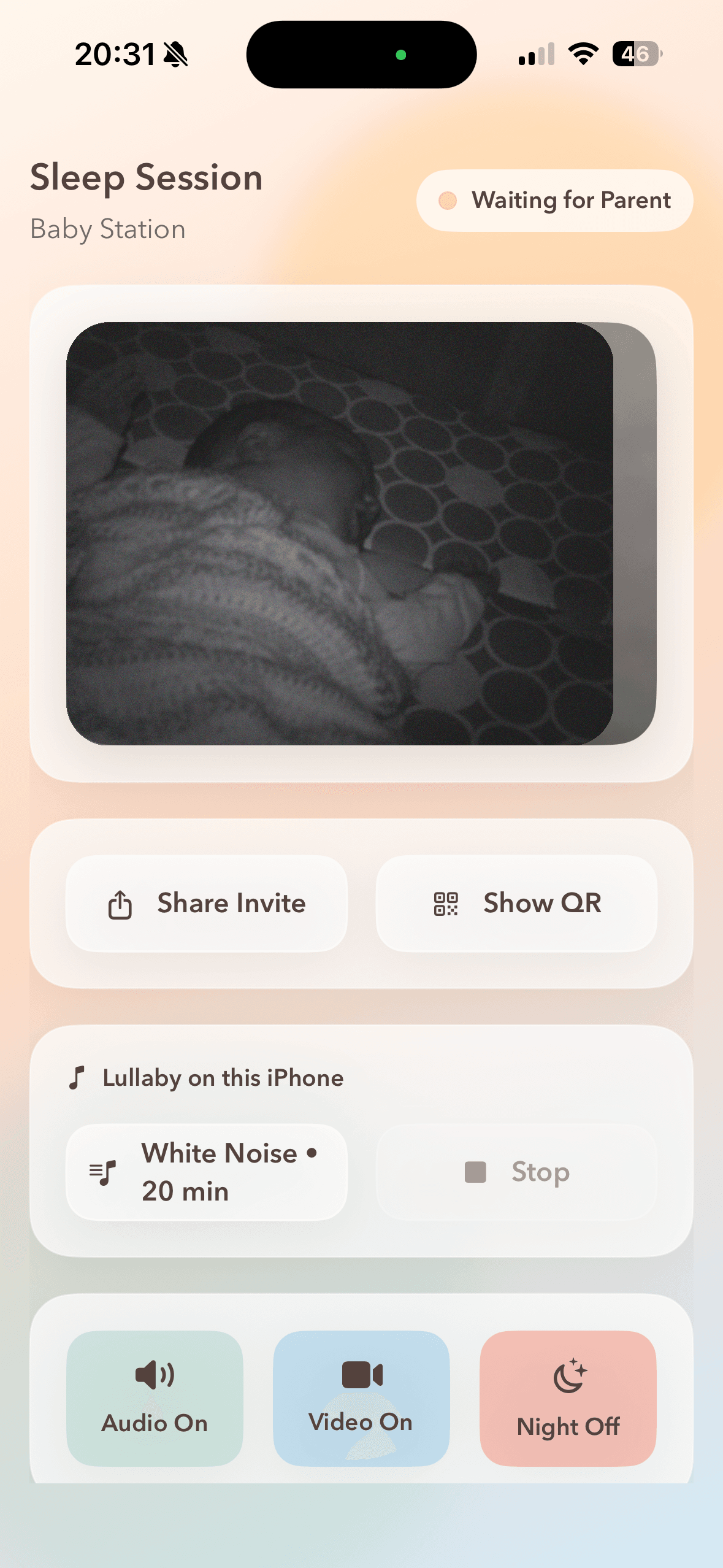
A two-phone setup designed to be simple at bedtime.
This setup is optimized for practical use: quick pairing, low-friction reconnect flow, and clear role separation between Baby Station and Parent Watch.